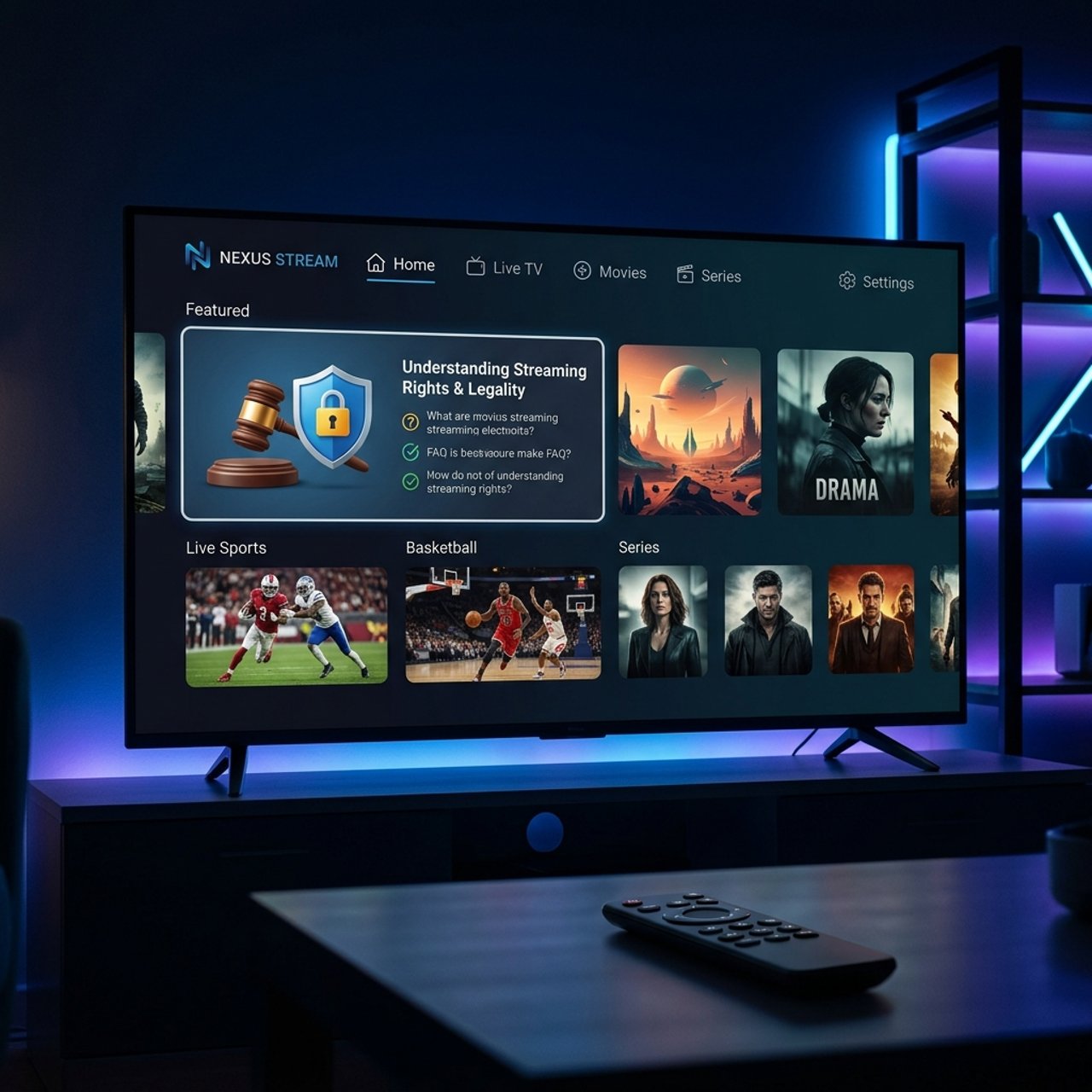
Is Your IPTV App Legal? Find Out Now!

Millions of people are cutting the cord and switching to IPTV and for good reason. Lower costs, thousands of live channels, and on-demand libraries that dwarf anything cable offers. But there's one question that keeps popping up in every streaming forum, Reddit thread, and Facebook group: is IPTV app legal? The confusion is real, the stakes are high, and getting this wrong could mean wasted money, a dead subscription, or worse. Here's the unfiltered truth that actually helps you make a smart, informed decision before you stream a single frame.
Knowing exactly where the legal line sits means you can build a streaming setup that actually lasts. A service that gets taken down by authorities doesn't just interrupt your evening, it wipes out everything you configured, from your TiviMate playlists to your EPG guides.
Core Concepts & Need-To-Know Info
- IPTV itself is completely legal technology: It simply means delivering television content over an internet protocol connection rather than a satellite dish or cable line. YouTube, Netflix, and Disney+ are technically forms of IPTV
- The app is not the issue, the content source is: An IPTV app like TiviMate, IPTV Smarters Pro, or GSE Smart IPTV is just a player. It's legally neutral, like a web browser
- M3U playlists and Xtream Codes credentials are the real variable: These are what point your app to a specific server. If that server is restreaming licensed content without authorization, you're in legally murky territory
- Licensed vs. unlicensed providers: A licensed IPTV provider has agreements with broadcasters. An unlicensed one is essentially pirating channels and reselling access
- Geographic licensing matters: A channel that is legal to stream in the UK may be licensed content in that region but unlicensed if accessed from the US, creating additional gray areas
- VOD libraries follow the same rules: If a service offers a 50,000-title VOD library for $15/month, ask yourself how they're paying licensing fees for all of that content
- ISP throttling is a separate issue: Even with legal services, ISPs sometimes throttle streaming traffic and a VPN solves this regardless of what you're watching
Step-by-Step Guide
- Step 1: Identify the App vs. the Service:
- Open your Firestick, Android TV, or Smart TV app store and search for the IPTV player you want to use such as TiviMate, IPTV Smarters, or Perfect Player. Look it up in the Google Play Store or Amazon Appstore. If it's listed in an official store, the app itself has passed a vetting process. The app is almost certainly legal and your next job is to vet the content provider.
- Step 2: Research Your Content Provider:
- Search the provider's name followed by "licensed" or "legal" on Google. Look for an official website with a registered business address, terms of service, and DMCA policy. Legitimate services will also list the broadcast rights they hold or the regions they serve legally.
- Step 3: Check the Price Point:
- If a provider is offering 10,000+ live channels including premium sports packages for under $10/month, that's a massive red flag. Licensed content costs money to distribute. Cross-reference their pricing against known legal services like Philo, Sling TV, or FuboTV to calibrate what realistic licensing costs look like.
- Step 4: Test With a Trial:
- Most reputable IPTV providers offer a 24-48 hour trial. Load the M3U URL or Xtream Codes login into your chosen app and test the stream quality. Legal, well-funded services run their own CDN infrastructure, which means stable streams, low buffering, and consistent 1080p or 4K output.
- Step 5: Enable a VPN Before You Stream:
- Regardless of your provider's legitimacy, a VPN protects your privacy from ISP throttling and blanket monitoring. Install a trusted VPN app on your Firestick or Android TV, connect to a server in your target content region, then launch your IPTV app. This applies equally to legal and gray-area services.
- Step 6: Set Up Your EPG and Confirm Channel Licensing:
- Inside TiviMate or IPTV Smarters, load your EPG guide. Legitimate providers will have clean, accurate program guides because they're pulling from licensed broadcaster metadata feeds. If your EPG is broken, missing, or filled with scrambled channel names, that's often a sign of a hastily assembled, unlicensed panel.

Imagine paying for a full year of IPTV through a reseller, carefully configuring TiviMate with all your favorite channels and sports EPG, then one Tuesday morning everything is simply gone. No refund, no explanation and the unlicensed panel was taken offline. This happens constantly and the only protection is doing your homework upfront. Even a mid-match dropout during a Champions League final because your cheap provider's server got overwhelmed is a completely avoidable scenario when you choose a properly licensed, scalable service.
Best VPNs to Stop ISP Throttling on IPTV
Even with a fully legal IPTV subscription, your ISP can throttle your streaming speeds the moment they detect heavy data usage. A quality VPN encrypts your traffic so your ISP can't see what you're doing and therefore can't selectively slow it down. ExpressVPN is consistently the top performer for Firestick and Android TV, as its Lightway protocol delivers fast speeds with minimal latency, critical for live sports streaming. NordVPN offers dedicated streaming servers optimized specifically for high-bandwidth video, and its SmartPlay feature also helps bypass geo-restrictions on legally licensed regional content. Surfshark is the best budget option that doesn't sacrifice speed, and unlimited simultaneous connections make it ideal if you're running IPTV across a Firestick, Smart TV, and tablet simultaneously. Install the VPN at the router level if possible so every device on your network is protected including Smart TVs that don't support VPN apps natively. Always connect to a VPN server in the same country as the content you're licensed to watch, since connecting to a distant server adds latency and can actually cause buffering.
Is IPTV App Legal? Understanding the Gray Zone
This is where most articles go vague. The honest answer is that IPTV apps are legal, many IPTV services operate in a gray zone, and some are outright illegal. Fully legal setups combine apps like TiviMate, IPTV Smarters Pro, and GSE Smart IPTV with licensed services like Philo, Sling, or a provider with documented broadcast rights. The legal gray zone includes services that operate in jurisdictions with looser copyright enforcement, where the content may technically be licensed locally but not in your country. Clearly illegal services are those that openly offer every premium sports package, every PPV event, and every premium movie channel for a flat monthly fee with no visible licensing documentation. Enforcement against individual end users is rare in most countries, but it does happen, particularly in the UK where Operation Disruption has prosecuted both sellers and buyers of illegal IPTV access. The safest approach is always to use a legal provider backed by a VPN so you get the full flexibility of IPTV technology without the risk of service shutdowns or legal exposure.
Common Setup Mistakes and How to Fix Them
Getting your IPTV setup running smoothly is entirely achievable, but these are the mistakes that create the most frustration for new users. Loading an M3U playlist without testing it first is a common error, so always use a trial period and test the playlist in a lightweight player like VLC before committing to a full TiviMate configuration. Not updating the EPG URL regularly causes stale guides, so in TiviMate settings you should set EPG to auto-refresh every 24 hours. Using Wi-Fi for 4K IPTV streams causes buffering that is almost always a local network problem, so run an Ethernet cable or use a quality powerline adapter instead. Overloading the app with too many playlists slows down app loading since inactive playlists still consume refresh requests, so only keep active playlists in your IPTV app. Forgetting to clear app cache after provider updates causes sluggish performance, so on Firestick go to Settings, then Applications, then Manage Installed Applications, then your IPTV app, and select Clear Cache after any provider-side changes.
Network Requirements for Stable IPTV Streaming
Your provider can have the best servers in the world, but if your home network isn't up to the task, you will buffer. The minimum speed for HD at 1080p is 10 Mbps dedicated to the stream, and if others are using the network simultaneously you need to add their bandwidth on top. For 4K IPTV you need at minimum 25 Mbps, ideally 50 Mbps with consistent latency below 20ms. A wired Ethernet connection is always superior because it eliminates interference, drops, and the speed inconsistency that Wi-Fi introduces in busy households. Router quality also matters since an older router with a weak processor will struggle to route IPTV traffic cleanly even if your ISP plan is fast, and a Wi-Fi 6 router makes a significant practical difference. Switching from your ISP's default DNS to Cloudflare at 1.1.1.1 or Google at 8.8.8.8 reduces lookup latency and can meaningfully improve channel-switching speeds in TiviMate.
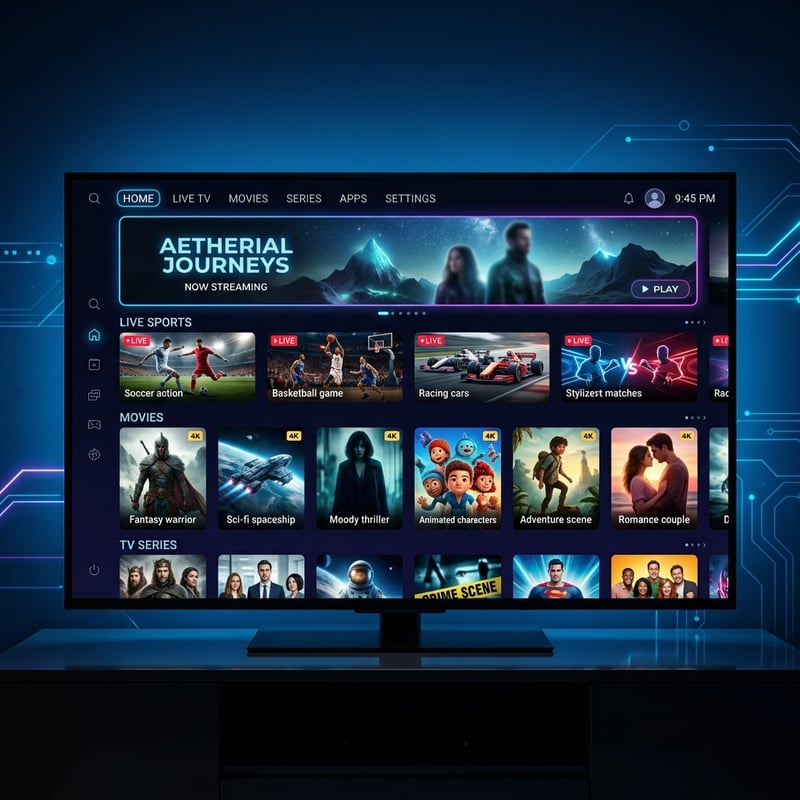
IPTV as a technology is completely legal, the apps you use to stream it are legal, and there are genuinely excellent licensed services that give you everything cable offers at a fraction of the cost. Build your setup on a legal foundation, protect it with a quality VPN, optimize your network, and check out our channel list and pricing plans to get started with a streaming experience that is genuinely better than anything traditional cable ever offered.
Frequently Asked Questions
Ready to get started?
Try our service risk-free with a 24-hour free trial.
Related Articles
Discover the Benefits of the Forest IPTV Free Trial Today!
Get the most out of the Forest IPTV free trial and start streaming now.
How to Install IPTV Smarters on Firestick: A Complete Guide
Step-by-step installation guide for IPTV Smarters on Firestick.
Fubo vs YouTube TV vs IPTV The Ultimate Sports Streaming Comparison 2026
An in-depth breakdown comparing mainstream live TV platforms with enterprise IPTV. Evaluates monthly subscription costs, regional sports access, simultaneous device streams, and multi-view features for dedicated sports fans.