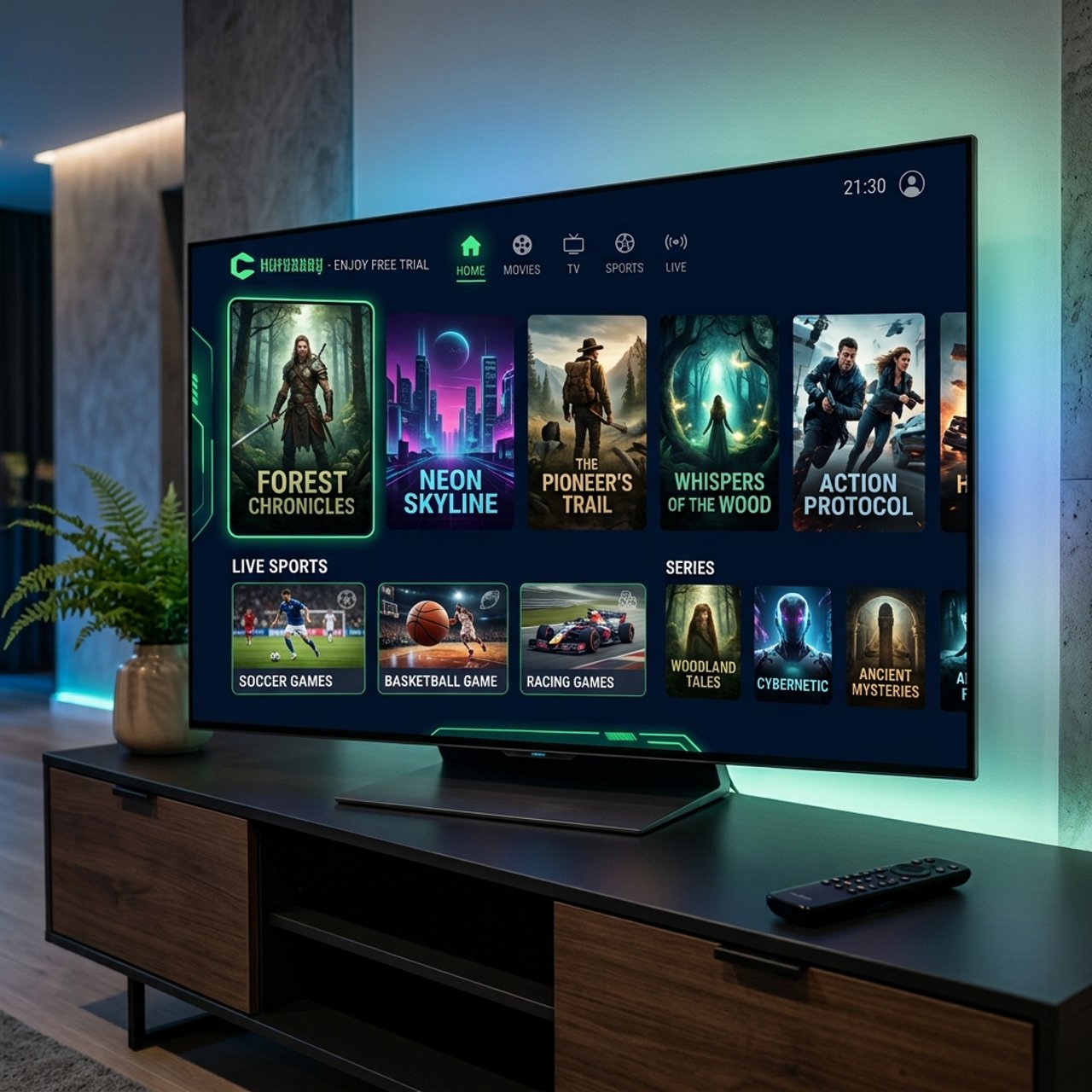
Discover the Benefits of the Forest IPTV Free Trial Today!

Tired of paying a full subscription fee for an IPTV service only to discover the streams buffer every five minutes, the channel list is half-empty, or the VOD library hasn't been updated since last year? That frustration is real, and it's exactly why the Forest IPTV free trial exists. Before you commit a single dollar, you deserve to see the service perform on your actual device, on your actual internet connection, with your actual viewing habits. This guide walks you through everything from claiming your trial to configuring it perfectly on Firestick, Android TV, Smart TVs, and beyond so you can make a confident, informed decision about your streaming setup.
Taking the time to properly evaluate an IPTV provider through a free trial isn't just about saving money, it's about protecting your entire streaming experience from day one. A rushed commitment to the wrong service means weeks of poor stream quality, unresponsive customer support, and the headache of cancellations.
Core Concepts & Need-To-Know Info
- M3U Playlist URL: This is a link ending in .m3u or .m3u8 that contains all your channel streams. Forest IPTV provides this after you activate the free trial, paste it directly into your chosen player.
- Xtream Codes Login: An alternative connection method using a server URL, username, and password. Many apps like TiviMate and IPTV Smarters Pro support this natively and it's generally more stable than a raw M3U URL.
- EPG (Electronic Program Guide): The on-screen TV guide that shows what's currently playing and what's coming up. A working EPG dramatically improves usability.
- ISP Throttling: Your Internet Service Provider can detect and slow down IPTV traffic. A VPN encrypts your connection, hiding streaming activity from your ISP.
- Minimum Internet Speed: For standard HD streams, 10 Mbps per stream is the floor. For 4K content, budget at least 25 to 30 Mbps per stream.
- Device Compatibility: Forest IPTV works on Amazon Firestick, Fire TV Cube, Android TV boxes (NVIDIA Shield, Mecool), Samsung and LG Smart TVs, iOS, Android smartphones, and MAG boxes.
Step-by-Step Guide
- Step 1: Request the Free Trial:
- Visit the official Forest IPTV website and locate the free trial request form. Fill in your name and email address, no credit card is required for the trial. You'll receive your M3U playlist URL and Xtream Codes credentials via email within a few minutes.
- Step 2: Enable Downloader on Your Firestick (Firestick Users Only):
- Go to your Firestick's Settings, then My Fire TV, then Developer Options and toggle on both Apps from Unknown Sources and ADB Debugging. This is required to sideload apps like IPTV Smarters Pro if they aren't on the Amazon App Store.
- Step 3: Install Your IPTV Player:
- Open the Amazon App Store and search for TiviMate or IPTV Smarters Pro. For Android TV boxes, use the Google Play Store. If the app isn't listed, open the Downloader app, type in the direct APK URL provided by Forest IPTV support, and install it manually.
- Step 4: Open the App and Select Add Playlist:
- Launch your IPTV player. In TiviMate, tap the + icon and select Add Playlist. In IPTV Smarters Pro, go to Add User and choose Xtream Codes Login or M3U URL.
- Step 5: Enter Your Forest IPTV Credentials:
- If using Xtream Codes, enter the Server URL, Username, and Password exactly as provided in your trial email, no extra spaces, no capital letters where none exist. If using the M3U method, paste the full M3U playlist URL. Tap Add or Login.
- Step 6: Load Channels and Configure EPG:
- Wait for the playlist to fully load, this can take 30 to 90 seconds depending on your connection. Once loaded, navigate to Settings then EPG in TiviMate and paste the XMLTV EPG URL from your Forest IPTV welcome email. Set the EPG refresh interval to every 12 hours.
- Step 7: Test Multiple Channel Categories:
- Before evaluating the service, test at least one channel from each category: live news, live sports, a premium movie channel, and a VOD title. Note load times, resolution, and whether the stream drops within the first two minutes.
- Step 8: Test on Multiple Devices:
- If you plan to use Forest IPTV on more than one device, configure and test on each one during the trial. Simultaneous stream limits often reveal themselves only when you actually try concurrent viewing.
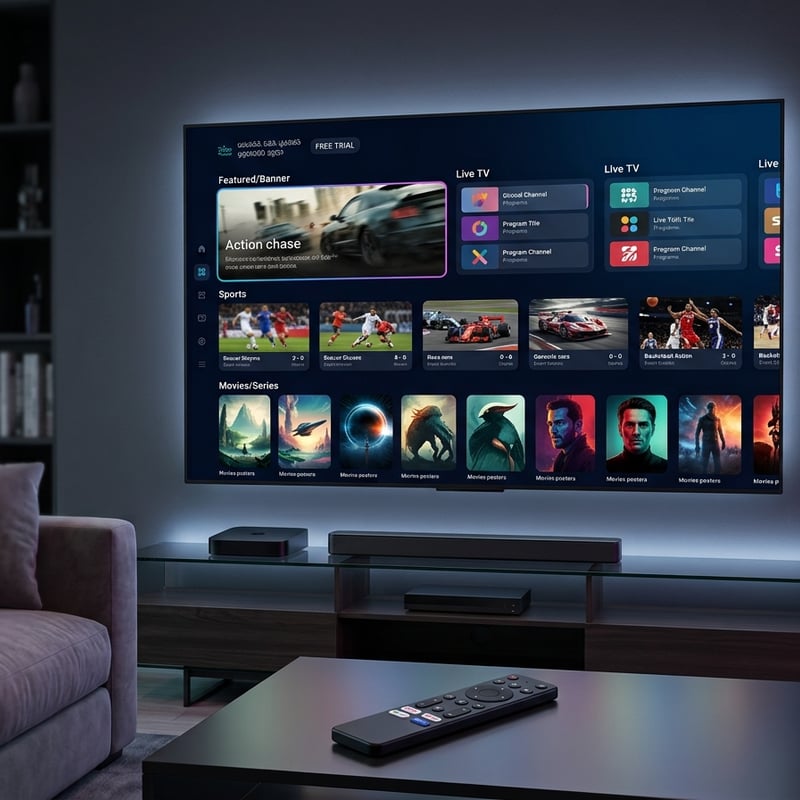
A user activates their trial on a Monday morning while working from home, never actually watches anything, then tries to test streams on Wednesday only to find the credentials have expired. Another common pitfall is testing exclusively on Wi-Fi from a distant room and experiencing buffering that disappears the moment you move closer to the router or switch to an ethernet connection. These are setup and environment issues that a rushed trial evaluation completely misses.
Best VPNs to Stop ISP Throttling on Forest IPTV
ISP throttling is one of the most common and least diagnosed causes of IPTV buffering. Your ISP can detect streaming traffic patterns and deliberately slow them down during peak hours, typically evenings and weekends, which is precisely when you want to watch live sports. ExpressVPN is consistently the fastest VPN for Firestick with a dedicated Fire TV app, its Lightway protocol keeps latency low enough for live streams and mediocre-quality streams often transform into smooth HD with it active. NordVPN is excellent for Android TV boxes with its NordLynx protocol and SmartPlay feature that automatically routes streaming traffic through optimized servers. Surfshark is the best budget option with unlimited simultaneous connections, making it ideal for households with multiple streaming devices all running Forest IPTV at once. Always connect to a VPN server in your own country first, as connecting to a distant server adds ping which worsens live stream performance.
TiviMate vs IPTV Smarters Pro: Which Works Better With Forest IPTV
Both apps support M3U playlists and Xtream Codes, but they behave differently in practice. TiviMate offers a far superior EPG experience with a beautiful grid-style channel guide that feels like a real cable TV interface, and a catch-up TV feature that works exceptionally well when the provider supports it. The free version is functional but the Premium unlock adds multi-screen viewing and parental controls. IPTV Smarters Pro is easier for first-time users with its menu-driven setup wizard and handles Xtream Codes connections particularly cleanly while including a built-in VOD browser with movie poster art. GSE Smart IPTV is worth mentioning for Smart TV users, particularly on Samsung Tizen TVs where native app options are limited. For Firestick users specifically, TiviMate is the unanimous community recommendation for its remote-friendly navigation and rock-solid performance with Forest IPTV's playlist structure.
Common Setup Mistakes and How to Fix Them
- Problem: Channels load but show a black screen. Fix: Go to your player's settings and switch the video decoder from Hardware to Software or vice versa. Hardware decoding issues are extremely common on older Firestick models.
- Problem: EPG shows No Data for all channels. Fix: Confirm you're using the correct XMLTV URL from Forest IPTV, not a generic third-party EPG URL. Force a manual EPG refresh after pasting the correct URL.
- Problem: Playlist fails to load entirely. Fix: Double-check your Xtream Codes server URL. It should include the port number such as http://yourserver.com:8080. Missing the port is the number one cause of connection failures.
- Problem: Only some channels buffer while others are fine. Fix: This is a server load issue on specific channel streams, not your setup. Report the affected channels to Forest IPTV support, and during a trial, responsive support is itself a service quality indicator worth noting.
Network Requirements for 4K Streaming on Forest IPTV
4K IPTV streams are genuinely impressive when your network supports them, but they are punishing when it doesn't. Wired is non-negotiable for 4K since a single 4K HEVC stream demands consistent throughput that Wi-Fi simply can't guarantee in a real home environment with competing devices, so use an ethernet adapter with your Firestick or connect your Android TV box directly via ethernet. You need a minimum of 25 Mbps dedicated to the stream, so run a speed test and subtract the bandwidth used by other devices. If your router supports Quality of Service, prioritize your streaming device's MAC address to ensure phones and smart home devices don't eat into your IPTV bandwidth during peak household hours.
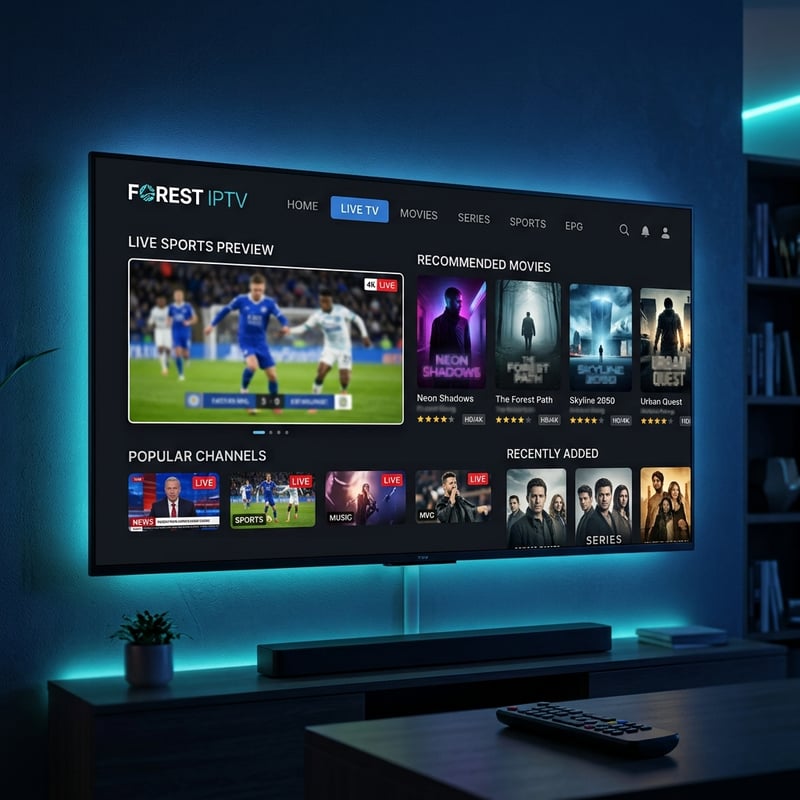
The Forest IPTV free trial is genuinely one of the smarter ways to enter the IPTV space without the regret of an impulsive subscription, so use every hour of that trial window deliberately by testing live sports, firing up a VOD title, pushing the EPG, and checking behavior with and without a VPN. If the service holds up under that real-world pressure you'll subscribe with confidence, and if it doesn't you've lost nothing but a few minutes of setup time, so check out our full channel list and pricing plans to see exactly what you'll be unlocking.
Frequently Asked Questions
Ready to get started?
Try our service risk-free with a 24-hour free trial.
Related Articles
What is IPTV Middleware? A Comprehensive Guide for 2026
Get to know IPTV middleware and its significance in streaming.
Watch Boxing and MMA Online Free vs IPTV Which Works Better 2026
Fight fans searching for free boxing streams and free MMA streams face the same nightmare every card. Links that die during the walkouts, 240p quality that makes it impossible to see punches land, and popup ads that cover the screen during knockdowns. We tested free streams alongside a paid IPTV setup during 8 consecutive fight nights and this guide shares exactly what happened.
Discover Marinios IPTV: Your Ultimate Streaming Solution
A comprehensive review of Marinios IPTV features and troubleshooting.