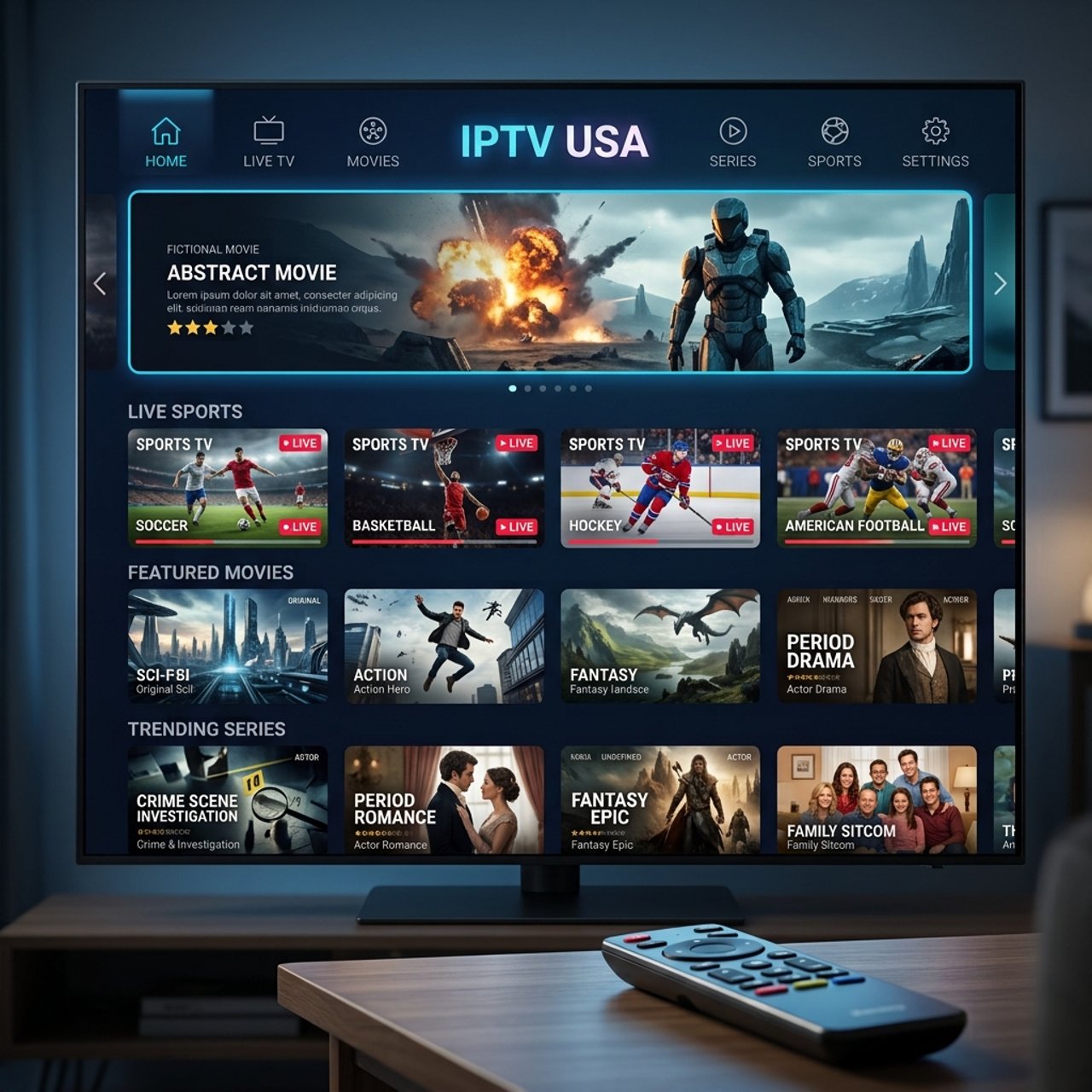
Discover the Best IPTV USA Subscriptions for 2026

Paying over $100 a month for a cable package that still buffers during the Super Bowl is the kind of frustration that pushes people to finally make the switch. If you've landed here, you're probably done with overpriced cable contracts, blackout restrictions, and clunky set-top boxes that feel like they were designed in 2003. IPTV USA services are changing everything, delivering thousands of live US channels, on-demand movies, and regional sports networks directly to your Firestick, Android TV box, or Smart TV through a simple internet connection. The problem is, the setup process can feel overwhelming if you don't know where to start, and choosing the wrong provider means laggy streams, broken M3U playlists, and channels that go dark right when the game gets good. This guide cuts through all of that and gives you exactly what you need to get a rock-solid IPTV USA setup running today.
Solving your streaming setup correctly the first time isn't just about convenience, it's about building a reliable system that doesn't collapse during peak hours or critical live events. A poorly configured IPTV USA connection with the wrong app or no VPN protection is like building a house on sand; it works until it doesn't, and it always fails at the worst possible moment.
Core Concepts & Need-To-Know Info
- M3U Playlist URL: This is the link your IPTV provider gives you that contains all your channel and VOD data. Apps like TiviMate, IPTV Smarters Pro, and GSE Smart IPTV use this URL to load your full channel lineup.
- Xtream Codes API: An alternative login method (server URL, username, and password) used by many US IPTV providers. It gives apps more functionality like EPG (Electronic Program Guide) integration and VOD browsing.
- EPG (Electronic Program Guide): The on-screen TV guide that shows what's playing now and what's coming next. A good IPTV USA provider will supply an EPG URL alongside your M3U link.
- ISP Throttling: Your internet service provider can detect IPTV streaming traffic and deliberately slow it down, causing buffering. A VPN encrypts your traffic and prevents this.
- VOD (Video On Demand): The Netflix-style library included with most IPTV subscriptions, letting you watch content whenever you want rather than on a schedule.
- Internet Speed Requirements: For SD channels, 10 Mbps is enough. HD streams need 25 Mbps minimum, and 4K content requires a stable 50+ Mbps connection with low ping.
- Panel or Reseller Dashboard: This is the backend system your IPTV provider uses to manage your subscription. If a provider can't show you their panel or connection details, that's a red flag.
Step-by-Step Guide: Setting Up IPTV USA on a Firestick
- Step 1: Enable Apps from Unknown Sources:
- On your Firestick home screen, go to Settings > My Fire TV > Developer Options. Toggle "Apps from Unknown Sources" to ON. This is required because most IPTV apps aren't listed in the Amazon App Store and need to be sideloaded.
- Step 2: Install the Downloader App:
- Go back to the Firestick home screen, use the search bar, and search for "Downloader." Install the free Downloader app by AFTVnews. This app acts as your browser and file installer for sideloading APKs onto the Firestick.
- Step 3: Download Your Preferred IPTV App:
- Open Downloader and type in the APK download URL for your app of choice. For TiviMate, the URL is typically available via the TiviMate Companion app on the Play Store side (for Android TV) or via a trusted APK mirror for Firestick. For IPTV Smarters Pro, enter the official Smarters website URL directly into Downloader's address bar, navigate to the download page, and grab the APK. Install it when prompted.
- Step 4: Launch the App and Select Your Login Method:
- Open your installed app (TiviMate or Smarters Pro). You'll be asked to choose between adding an M3U URL or logging in via Xtream Codes. Choose whichever method your IPTV USA provider gave you. Most providers offer both options.
- Step 5: Enter Your M3U URL or Xtream Codes Credentials:
- If using M3U: paste your full playlist URL into the M3U field exactly as your provider sent it, no extra spaces or characters. If using Xtream Codes: enter the server URL (including the port number, e.g., http://server.domain.com:8080), then your username and password. Hit "Add Playlist" or "Connect."
- Step 6: Load Your EPG:
- Once your channels load, go to the app's settings and find the EPG or TV Guide section. Paste in the EPG URL provided by your IPTV USA service. Set the refresh interval to every 24 hours. This populates your on-screen program guide with accurate scheduling.
- Step 7: Organize Your Channels and Test Streams:
- Create favorite groups for the channels you watch most, US news, sports networks, local ABC/NBC/CBS/FOX affiliates. Test a live sports channel and a VOD title to confirm everything is streaming cleanly before your next big game day.
Picture this: it's playoff night, you've got friends over, and fifteen minutes into the game your stream freezes into a pixelated mess. You reboot, it comes back, freezes again. That's ISP throttling in action, and it's 100% preventable with a properly configured VPN running on your router or directly on your streaming device. The difference between a flawless IPTV USA experience and a frustrating one often comes down to these overlooked warnings.
Best VPNs to Stop ISP Throttling on IPTV USA
ISP throttling is one of the most common reasons IPTV USA streams buffer during peak hours even when your base internet speed tests fine. A VPN routes your traffic through an encrypted tunnel so your ISP can't identify or throttle it. ExpressVPN is consistently the fastest option for IPTV streaming, with its MediaStreamer feature and Lightway protocol delivering high-speed connections ideal for HD and 4K IPTV channels, working flawlessly on Firestick via a native app. NordVPN offers specialty streaming servers and a kill switch feature, with its NordLynx protocol delivering impressive speeds for US-based IPTV streaming and a dedicated Firestick app available in the Amazon App Store. Surfshark is the best value option with unlimited simultaneous connections, meaning you can protect every streaming device in your house under one subscription with solid performance for IPTV USA workloads. For the most seamless setup, flash your router with ExpressVPN or NordVPN firmware so every device on your network is automatically protected without needing individual app installs.
Recommended Apps: TiviMate vs IPTV Smarters Pro
Choosing the right app is just as important as choosing the right IPTV USA provider, as the app is your interface for everything including channel navigation, VOD browsing, EPG accuracy, and recording. TiviMate is widely regarded as the gold standard for IPTV on Android TV and Firestick, with the premium version ($4.99/year) unlocking multi-screen viewing, recording to external storage, and catch-up TV in a clean, fast, and highly customizable UI. IPTV Smarters Pro is a great free alternative that supports both M3U and Xtream Codes login, with a more visually rich interface that separates movie and series sections clearly from live TV, making it excellent for users who watch a lot of VOD content. GSE Smart IPTV is a solid third option with strong M3U playlist management and multi-format stream support, making it a good choice for older devices with limited RAM. Perfect Player is lightweight and stable, great for lower-powered Firestick models, and reliable for users who just want simple live TV playback.
Network Requirements for 4K IPTV Streaming
Your internet connection is the foundation everything else sits on, and a great IPTV USA subscription paired with a weak network is a recipe for constant disappointment. SD streams need 10 Mbps, HD (1080p) requires 25 Mbps, and 4K/UHD channels need a consistent 50 Mbps or more with low jitter. Running an ethernet cable from your router directly to your Firestick or Android TV box is always better than Wi-Fi since wired connections eliminate the latency and signal drops that cause buffering even on fast connections. If you must use Wi-Fi, keep your streaming device within clear line-of-sight of your router, as walls especially concrete or brick significantly degrade signal strength. If you're still using a router your ISP gave you five years ago, upgrading to a Wi-Fi 6 router like the TP-Link Archer AX55 can dramatically improve streaming stability for multiple devices.
Common Setup Mistakes & How to Fix Them
Even technically savvy users trip over the same IPTV USA setup errors repeatedly. If channels load but won't play, your device's media player likely isn't compatible with the stream format, and in TiviMate you can fix this by going to Settings > Player and switching from the internal player to an external one like MX Player or VLC. If your EPG shows "No Data," your EPG URL may have expired or been entered incorrectly, so contact your provider for a refreshed EPG link and check for extra spaces at the end of the URL in your app settings. If your playlist keeps disconnecting, disconnect any other devices using the same subscription since you may have exceeded your connection limit, and if it persists your provider's servers may be overloaded, which is a sign to look for a more reliable IPTV USA service. If your app crashes on load, clear the app's cache by going to Firestick Settings > Applications > Manage Installed Applications > [Your App] > Clear Cache, and if it still crashes, uninstall, reboot your device, and reinstall a fresh APK.
Troubleshooting: Fixing M3U Playlist Errors on IPTV USA
A broken M3U playlist is one of the most frustrating experiences in the IPTV world, but it's almost always fixable. An "Invalid URL" error means you should double-check the full URL including the http:// or https:// prefix, the correct port number, and your unique credentials embedded in the URL, since even one misplaced character breaks it entirely. If your playlist loads but channels are missing, check that your app doesn't have a filter or category setting hiding certain channel groups by default, and in TiviMate go to Playlist Settings to confirm all groups are enabled. If stream quality drops mid-watch, enable your VPN and switch to a server location closer to the US, then check if your provider offers multiple stream qualities and switch to a lower one temporarily. If live TV works but VOD doesn't load, your provider may have separate servers for on-demand content, so try refreshing the playlist or contact your IPTV USA provider to confirm your VOD access is active on your account.
Getting a flawless IPTV USA experience is genuinely achievable for anyone willing to spend an hour on the initial setup and another 20 minutes troubleshooting the inevitable small hiccups. Do the setup right, protect yourself with a VPN, choose a reliable provider, and explore our full channel list and pricing plans to find the perfect package that replaces your cable bill for good.
Frequently Asked Questions
Ready to get started?
Try our service risk-free with a 24-hour free trial.
Related Articles
The Ultimate Guide to Buy IPTV Subscriptions in 2026
Learn how to buy IPTV subscriptions and optimize your streaming.
How to Change Your DNS Settings for Faster Internet Browsing and Streaming
A technical guide to understanding and changing DNS settings for faster internet performance covering how DNS resolution works and how to configure public DNS servers on routers and individual devices.
Discover the Best IPTV Providers: Your 2026 Guide
Find the top IPTV providers for seamless streaming and entertainment.