
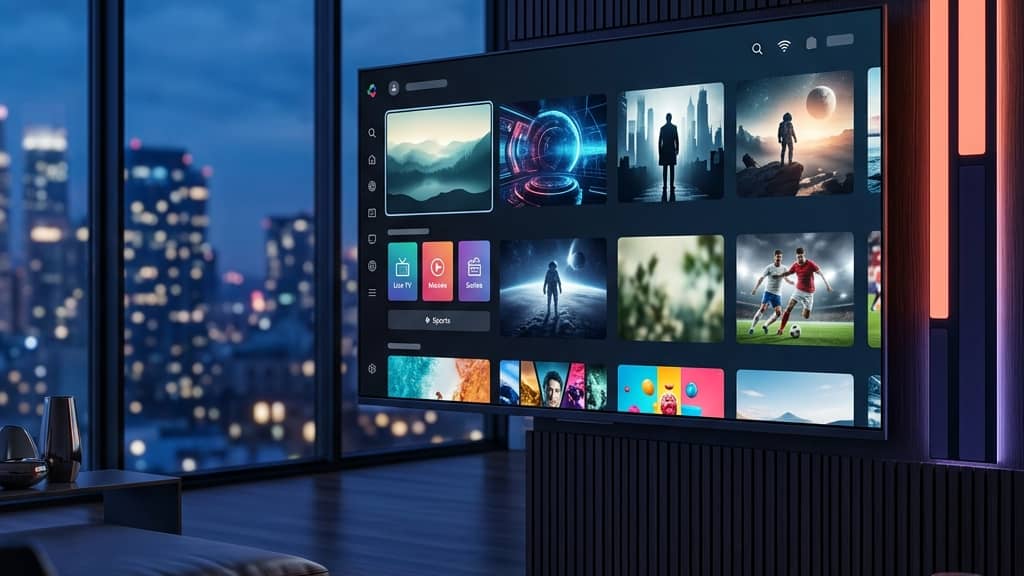
Discover the Best IPTV Service Providers for 2026

Tired of paying $150+ a month for a cable bill that still somehow manages to disappoint you? You're not alone. Millions of viewers are ditching traditional TV and switching to IPTV service providers that deliver thousands of live channels, massive VOD libraries, and crystal-clear 4K streams — all for a fraction of the price. The problem? With hundreds of providers flooding the market, figuring out which ones are actually worth your money (and which ones will leave you staring at a buffering wheel during the championship game) is a nightmare. This guide cuts through the noise and gives you everything you need to pick the right provider, set it up correctly, and stream without a single hiccup.
Choosing the wrong IPTV service provider doesn't just waste your money — it actively ruins your streaming experience with constant buffering, dropped connections, and channels that simply don't load during peak hours. Getting this decision right from the start means the difference between a seamless, cable-replacement experience and a frustrating tech headache every single evening.
Core Concepts & Need-To-Know Info
- M3U Playlist / M3U URL: This is a text file containing the list of channel links your IPTV app uses to pull streams. Every provider gives you one after purchase.
- Xtream Codes: An alternative login method (username, password, and server URL) that many premium apps like TiviMate and IPTV Smarters use for a cleaner connection.
- EPG (Electronic Program Guide): The on-screen TV guide that shows what's currently airing and what's coming up — not all providers include a reliable one.
- VOD (Video On Demand): The on-demand movie and TV show library separate from live channels.
- Server Uptime: The percentage of time a provider's servers are actually online. You want 99.9% uptime — anything less means frequent outages.
- Concurrent Connections: How many devices can stream simultaneously on one subscription. Important for households.
- ISP Throttling: Your Internet Service Provider can detect and slow down IPTV streaming traffic, causing buffering even with a fast connection. A VPN solves this.
- Panel/Portal: Some providers offer a web-based management panel where you can manage your subscription, access M3U links, and check expiry dates.
Step-by-Step Guide: Setting Up Your IPTV Service Provider on Firestick
- Step 1: Enable Apps from Unknown Sources:
- Go to your Firestick's main menu and navigate to Settings, then My Fire TV, then Developer Options. Toggle on Apps from Unknown Sources. This allows you to sideload IPTV apps that aren't available in the Amazon App Store.
- Step 2: Install the Downloader App:
- Go back to the Firestick home screen, open the Search function, and type Downloader. Install the free Downloader app by AFTVnews. This is your gateway to installing any IPTV application.
- Step 3: Open Downloader and Enter the APK URL:
- Launch the Downloader app and tap the URL bar. Type in the direct download link for your preferred IPTV app — for TiviMate, use the official APK URL from their website. For IPTV Smarters Pro, use the URL provided by your IPTV service provider. Hit Go and let the file download.
- Step 4: Install the App:
- Once the download completes, Downloader will automatically prompt you to install the APK. Tap Install, wait for it to finish, and then tap Open to launch the app immediately. Do not delete the APK yet in case you need to reinstall.
- Step 5: Enter Your Subscription Credentials:
- Inside TiviMate or Smarters, select Add Playlist. Choose Xtream Codes API if your provider gave you a username/password/server URL, or choose M3U URL if they sent you a direct playlist link. Enter your credentials exactly as provided — one wrong character breaks the entire connection.
- Step 6: Configure EPG Source:
- After your channels load, go into the app settings and locate the EPG/Guide section. Paste the EPG URL your provider gave you (or use a universal EPG source like EPG.best). Set the refresh interval to every 24 hours so your guide stays current.
- Step 7: Test Your Channels:
- Browse to a live sports channel or a high-traffic network during peak evening hours (7–10 PM). If it streams smoothly, you're golden. If you notice buffering, jump to the troubleshooting section below before assuming it's a provider issue.

Imagine sitting down for a Sunday night football game, having perfectly set everything up — and then watching the stream freeze every 30 seconds because your ISP detected and throttled the traffic. This is a real scenario that happens to thousands of IPTV users weekly. Equally frustrating is purchasing a 12-month subscription from a provider who vanishes after 60 days, leaving you with no service and no refund. Taking these warnings seriously before you spend a single dollar protects you from both headaches.
Best VPNs to Stop ISP Throttling
ISP throttling is one of the most common reasons IPTV subscribers experience buffering despite having high-speed internet. A quality VPN encrypts your traffic so your ISP can't identify or slow down your streams. ExpressVPN is consistently the fastest option for IPTV streaming, with MediaStreamer DNS built in for Smart TVs that can't run a VPN app natively. NordVPN is excellent for IPTV with their NordLynx protocol, which delivers high speeds with minimal latency. IPVanish is a strong choice specifically for Fire TV devices since it's available directly in the Amazon App Store — no sideloading required, with good speeds and unlimited simultaneous connections. Surfshark is budget-friendly without compromising speed, and unlimited device connections make it ideal for households with multiple IPTV screens running at once. Always connect your VPN to a server close to your physical location for the best speeds.
Recommended Apps: TiviMate vs. IPTV Smarters
TiviMate is the gold standard for Firestick and Android TV, with a polished cable-TV-like interface, rock-solid EPG support, catch-up functionality, and the ability to manage multiple playlists simultaneously. The free version works, but the $5.99/year Premium unlocks recording, multiple profiles, and advanced stream settings. IPTV Smarters Pro is more beginner-friendly with a simpler interface, available on more platforms including iOS, and many IPTV service providers recommend it because it handles Xtream Codes logins cleanly. GSE Smart IPTV is worth considering if you need cross-platform compatibility including Apple TV, iPad, and Mac — something TiviMate doesn't support.
Network Requirements for Buffer-Free Streaming
- SD Channels: Minimum 5 Mbps per stream
- HD Channels (1080p): Minimum 10–15 Mbps per stream
- 4K UHD Streams: Minimum 25–50 Mbps per stream, and your provider must actually offer true 4K content
- Use a wired Ethernet connection whenever possible. Wi-Fi introduces latency and packet loss that directly causes buffering, especially during high-traffic evening hours
- Router placement matters: If you must use Wi-Fi, place your router in the same room as your streaming device, or invest in a mesh network system
- Run a speed test at fast.com or speedtest.net directly on your Firestick before blaming your IPTV service provider
Troubleshooting: Fixing Common Playlist Errors
- Playlist failed to load: Open your M3U URL directly in a browser. If it shows scrambled text, the URL is valid — the issue is app-side. If it throws a 404 or access denied error, contact your provider.
- Channels show but won't play: This is almost always an ISP throttling issue or a provider server problem. Connect your VPN and try again. If it works with VPN, ISP throttling is confirmed.
- EPG not showing: Delete the current EPG source in your app settings, re-paste the URL, and force a manual refresh. Some EPG providers update on a delay.
- App keeps crashing: Clear the app cache on your Firestick by going to Settings, then Applications, then Manage Installed Applications, then your app, then Clear Cache. Do this weekly.
- Buffering on specific channels only: High-demand channels like ESPN or NFL Network get overloaded during peak events. Switch to a backup stream if your provider offers one — most do, labeled as the same channel with a 2 or backup suffix.
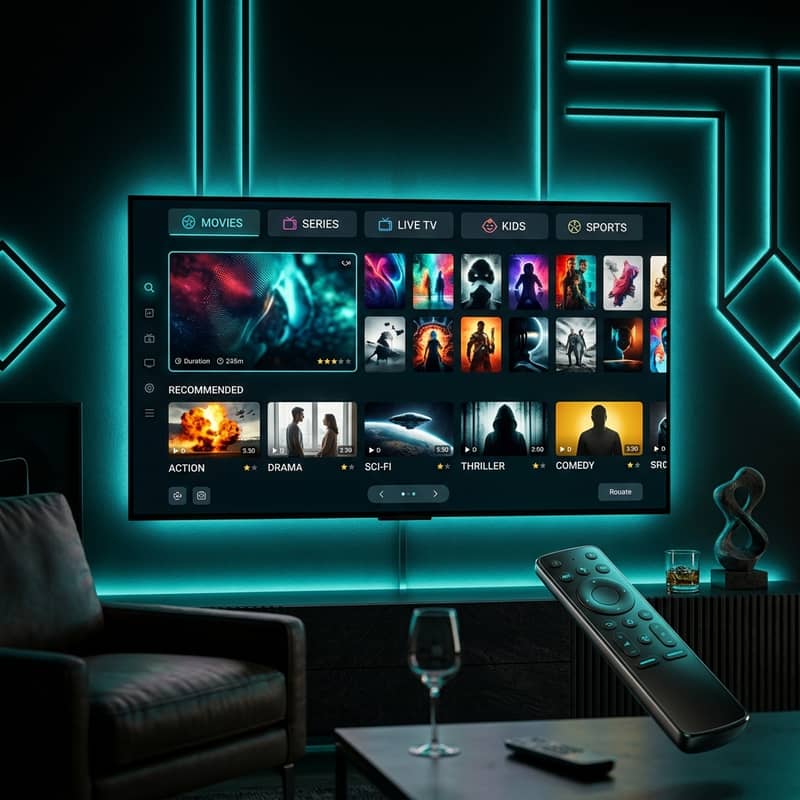
The world of IPTV service providers has matured significantly — the best ones now genuinely rival traditional cable in reliability, picture quality, and content variety, at 10–20% of the cost. Do your homework upfront by demanding a trial, testing during peak hours, protecting your connection with a VPN, and setting up your app correctly from day one, then check out our full channel list and pricing plans to find the perfect match for your household.
Frequently Asked Questions
Ready to get started?
Try our service risk-free with a 24-hour free trial.
Related Articles
Discover the Best 4K IPTV Encoder for Streaming in 2026
A guide to selecting the best 4K IPTV encoder.
Fubo vs YouTube TV vs IPTV The Ultimate Sports Streaming Comparison 2026
An in-depth breakdown comparing mainstream live TV platforms with enterprise IPTV. Evaluates monthly subscription costs, regional sports access, simultaneous device streams, and multi-view features for dedicated sports fans.
Master IPTV Streaming in 2026: Your Complete Guide
The ultimate guide to IPTV streaming in 2026.