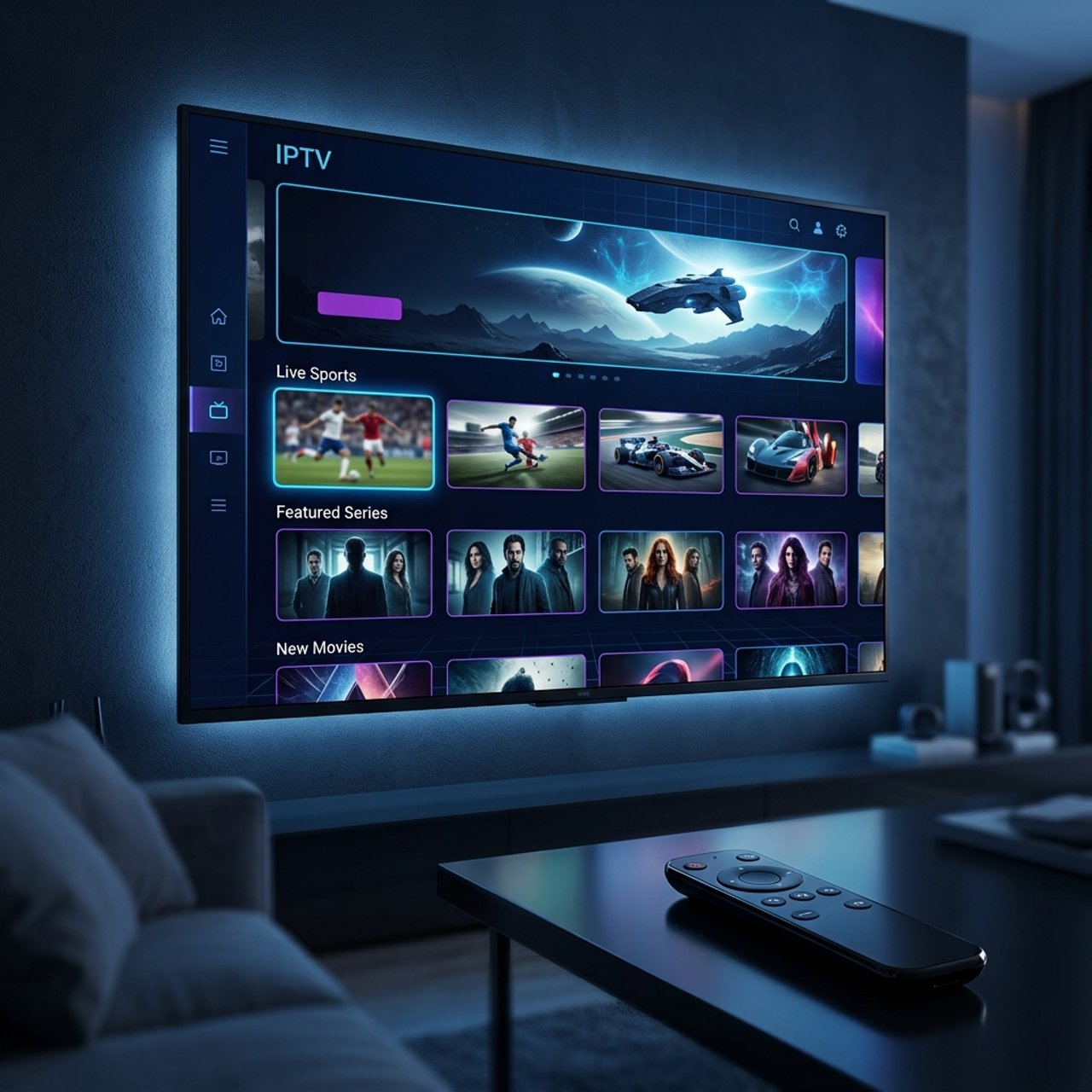
What is IPTV Smarters Pro? Discover Its Features and Benefits

You've heard about IPTV Smarters Pro, maybe from a friend who canceled their $150/month cable bill, or from a Reddit thread about watching live sports for pennies. But every guide you find either skips the basics or throws you into a wall of technical jargon that makes your head spin. Here's the truth: IPTV Smarters Pro is one of the most powerful, flexible IPTV players available today and once you understand exactly what it does and how to set it up correctly, buffering and confusion become things of the past. This guide walks you through everything, from what IPTV Smarters Pro actually is, to step-by-step setup on your Firestick or Android TV, to pro-level tweaks that keep your streams buttery smooth.
Solving your IPTV setup problems isn't just about convenience, it's about getting full value from your subscription and never missing a live match, movie premiere, or breaking news event because your app crashed. A properly configured IPTV Smarters Pro setup on quality hardware is the difference between a frustrating experience and a genuinely cable-replacing one.
Core Concepts & Need-To-Know Info
- IPTV (Internet Protocol Television): Delivers TV content over your internet connection rather than through a satellite dish or cable line
- M3U Playlist: A text-based URL or file provided by your IPTV service that contains all your channel links
- Xtream Codes API: A login method (server URL, username, password) many IPTV providers use; cleaner and more stable than a raw M3U URL for most users
- EPG (Electronic Program Guide): The on-screen TV guide; requires a separate EPG URL from your provider or a third-party source like EPGSHARE
- VOD (Video on Demand): Movies and TV shows available to watch anytime, separate from live channels
- Buffering causes: Usually linked to ISP throttling, weak Wi-Fi signal, or an overloaded IPTV server during peak hours
- Internet speed requirements: Minimum 10 Mbps for SD/HD streaming; 25+ Mbps recommended for stable 4K streams; test yours at fast.com before blaming the app
- VPN compatibility: IPTV Smarters Pro works seamlessly with VPN apps running in the background, which is critical if your ISP throttles streaming traffic
Step-by-Step Guide
- Step 1: Enable Installation from Unknown Sources (Firestick Users):
- On your Firestick, go to Settings, My Fire TV, Developer Options, and turn on Apps from Unknown Sources. This allows you to install apps not listed in the Amazon Appstore.
- Step 2: Download and Install IPTV Smarters Pro:
- Search IPTV Smarters Pro directly in the Amazon Appstore, it's listed there officially, so Firestick users don't need the Downloader app for this one. On Android TV boxes, find it in the Google Play Store. On non-supported devices, use the Downloader app and enter the official APK URL from the Smarters website.
- Step 3: Launch the App and Choose Your Login Method:
- Open IPTV Smarters Pro. You'll see the welcome screen with two primary options: Add User with Xtream Codes API and Add User with M3U URL. Choose whichever your IPTV provider sent you in their welcome email.
- Step 4a: Log In Using Xtream Codes API:
- Select Xtream Codes API. Enter a profile name (anything you like, such as My IPTV), then paste your server URL, your username, and your password exactly as provided. Hit Add User.
- Step 4b: Log In Using an M3U Playlist URL:
- Select Add User with M3U URL. Enter a profile name, then paste your full M3U URL into the designated field. If your provider also gave you an EPG URL, paste that in the EPG field now, this activates your on-screen TV guide.
- Step 5: Wait for the Playlist to Load:
- The app will now fetch all your channels, VOD content, and series from the server. Depending on playlist size and your internet speed, this can take 30 seconds to 3 minutes. Don't close the app.
- Step 6: Browse Your Content:
- Once loaded, you'll see tabs for Live TV, Movies, Series, and Catch-Up (if your provider supports it). Navigate to Live TV, pick a category (Sports, News, Entertainment), select a channel, and press play.
- Step 7: Configure Playback Settings:
- Tap the settings icon within a playing stream. Set your player to ExoPlayer for most streams, it handles high-bitrate channels better on Firestick hardware. If a specific channel stutters, switch that channel to MX Player or VLC as a fallback.
- Step 8: Set Up Multiple Profiles (Optional):
- Go back to the home screen and tap Add New User to add a second IPTV subscription or a family member's account. Each profile is fully independent.
Picture this: you're 10 minutes into a Champions League final, your screen freezes, and you spend the next 20 minutes debugging instead of watching, all because you skipped the VPN step and your ISP throttled your connection the moment it detected high streaming volume. These scenarios happen daily, and every single one of them is avoidable with the right setup and precautions in place.
Best VPNs to Stop ISP Throttling With IPTV Smarters Pro
ISP throttling is the silent stream-killer most IPTV users never identify correctly. When your internet provider detects sustained high-bandwidth streaming traffic, it deliberately slows that connection down. A VPN encrypts your traffic so your ISP can't see what you're streaming, they can't throttle what they can't identify. ExpressVPN is the gold standard for IPTV with consistently fast servers, a MediaStreamer DNS option, and a native Firestick app that runs quietly in the background. NordVPN is excellent for IPTV with its NordLynx protocol, which delivers speeds fast enough for 4K without noticeable latency increases. Surfshark offers the best value for multi-device households with unlimited simultaneous connections. Always connect your VPN to a server in the same country as your IPTV provider's server for the lowest ping and most stable stream, and test your connection speed with the VPN on versus off using fast.com to confirm whether ISP throttling is active on your line.
Common Setup Mistakes & How to Fix Them
IPTV Smarters Pro is user-friendly, but a few recurring setup errors catch almost everyone at least once. An Authentication Error on Xtream Codes login usually means your server URL is missing the port number or has a trailing slash, so double-check the format and confirm credentials are copied exactly including capitalization. If channels load but video won't play, switch your player from the default to ExoPlayer or VLC within playback settings, since some stream formats aren't compatible with every player. If the EPG shows no program data, your EPG URL may be expired or entered incorrectly, so contact your provider for a fresh URL or use a free third-party source like EPGSHARE.eu and manually map your channels. App crashes on Firestick during VOD playback are usually fixed by clearing the app cache under Settings, Applications, IPTV Smarters Pro, Clear Cache, and then restarting the device. If your M3U playlist loads but shows 0 channels, your provider's server may be temporarily down or your subscription may have lapsed, so log into your provider's client portal to verify your account status.
TiviMate vs. IPTV Smarters Pro: Which Should You Use?
Both apps use M3U playlists and Xtream Codes, but they serve slightly different users. IPTV Smarters Pro is free with premium tiers, visually polished, works across more device types including iOS, and is the easier starting point for IPTV newcomers. TiviMate is Android and Firestick only, costs a one-time fee for the premium version, and has a cleaner more TV-native interface that hardcore IPTV users often prefer for daily driving. TiviMate handles very large playlists with 10,000+ channels more smoothly due to better memory management, so if your provider offers a massive channel list, TiviMate may outperform Smarters on lower-end hardware. IPTV Smarters Pro wins on multi-platform flexibility and the built-in catch-up and series organization interface. Many serious IPTV users install both and use Smarters Pro as a backup or for mobile viewing while TiviMate handles the main TV.
Network Requirements for Stable Streaming
Your IPTV experience is only as good as the network feeding it. SD channels require a minimum of 5-7 Mbps per stream, while HD channels at 720p or 1080p need 10-15 Mbps per stream, which covers most live sports broadcasts. For 4K and UHD streams you'll need 25-50 Mbps per stream, though not all IPTV providers offer true 4K content yet. Router placement matters significantly if you're using Wi-Fi, so position your router in line-of-sight to your streaming device since walls and floors absorb 5GHz signal. Enable Quality of Service on your router and prioritize your Firestick or Android TV box's MAC address to ensure it gets bandwidth priority over phones and laptops during streaming sessions. Wired is always better since an Ethernet cable eliminates packet loss entirely, and you can use a USB-C to Ethernet adapter for Firestick 4K Max if your TV is near your router.
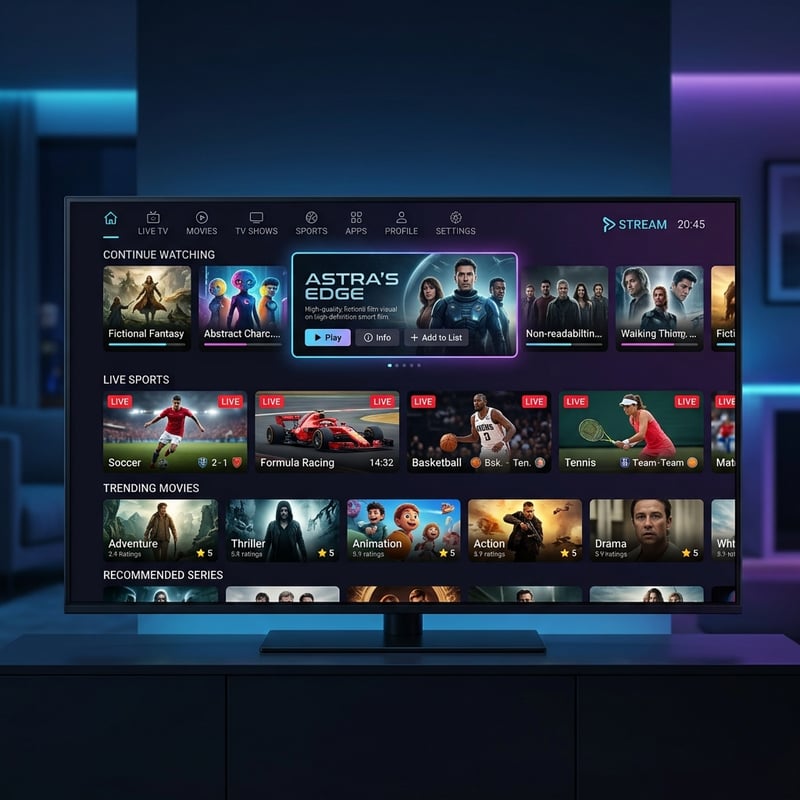
IPTV Smarters Pro isn't just an app, it's the control center for your entire cord-cutting setup, and when paired with a reliable IPTV subscription, a quality VPN, and the right network settings, it delivers a streaming experience that genuinely surpasses traditional cable at a fraction of the cost. Ready to take the next step? Check out our curated channel list and pricing plans to find the perfect IPTV subscription to power your Smarters Pro setup today.
Frequently Asked Questions
Ready to get started?
Try our service risk-free with a 24-hour free trial.
Related Articles
Is Guru IPTV Legal in the USA? Find Out Now!
Explore the legality of Guru IPTV in the USA.
How to Use IPTV Smarters Pro on Samsung TV: A Step-by-Step Guide
Master IPTV Smarters Pro on your Samsung TV.
How to Watch Live Sports on IPTV: The 2026 Game-Day Playbook
The ultimate 2026 sports fan playbook for streaming live football, basketball, and combat sports on IPTV in 4K with ultra-low latency.