
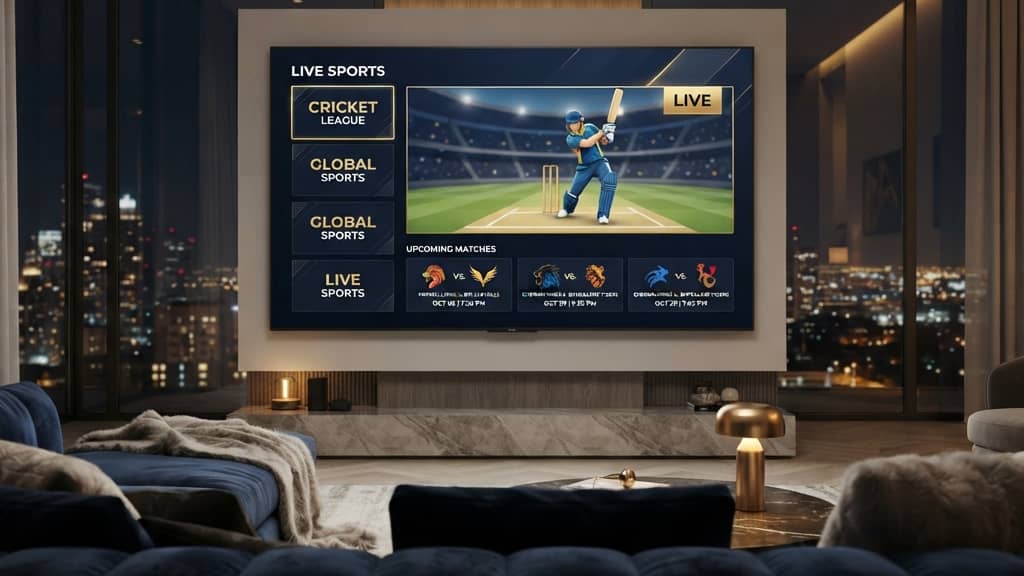
Discover the Best HDMI Encoder for Your IPTV Subscription

If you've been hunting for a reliable way to watch Indian channels -- live cricket, Bollywood movies, regional language content, and daily soaps -- without paying sky-high cable bills or dealing with endless buffering, you're in exactly the right place. Indian IPTV has completely changed the game for the South Asian diaspora and streaming enthusiasts worldwide, delivering thousands of desi channels straight to your Firestick, Android TV box, or Smart TV. But here's the truth nobody tells you upfront: getting Indian IPTV to work smoothly takes more than just downloading an app. Done wrong, you'll spend your Friday night staring at a spinning loader instead of watching the IPL. Done right, it's the best entertainment investment you'll ever make.
Solving your Indian IPTV setup properly isn't just about convenience -- it directly determines your streaming quality. A poorly configured subscription with the wrong app or no VPN protection leads to pixelated streams, constant disconnects, and channels that simply refuse to load during peak hours. Getting this right the first time saves you hours of frustration and keeps your entertainment flowing without interruption.
Core Concepts & Need-To-Know Info
- M3U Playlist URL: This is the link your Indian IPTV provider sends you after purchase. It contains all your channel data and must be entered exactly as given -- one wrong character breaks the entire playlist
- Xtream Codes API: An alternative login format using a server URL, username, and password -- many premium Indian IPTV services use this because it's more stable and easier to manage
- EPG (Electronic Program Guide): The on-screen TV guide showing schedules for Indian channels -- without a proper EPG URL, you lose programme information for your Zee channels and sports schedules
- VOD (Video on Demand): Your IPTV subscription's movie and series library -- good Indian IPTV providers include thousands of Hindi and regional films in their VOD catalogue
- ISP Throttling: Your internet service provider can detect and deliberately slow down IPTV traffic, which is a primary cause of buffering even on fast connections -- a VPN solves this
- Bitrate and Multi-Rate Streams: Quality Indian IPTV services offer channels at multiple resolutions (SD, HD, FHD, 4K) so you can match the stream quality to your internet speed
- DNS Settings: Custom DNS (like Cloudflare's 1.1.1.1) can speed up channel loading and reduce the time it takes to switch between Indian channels
Step-by-Step Guide
- Step 1: Enable Developer Options on Your Firestick:
- Go to Settings, then My Fire TV, then About, then click your Fire TV device name seven times rapidly until you see Developer options are enabled. Then navigate back to Developer Options and turn ON Apps from Unknown Sources. This is mandatory before you can install any third-party Indian IPTV app.
- Step 2: Install Downloader App:
- From your Firestick home screen, go to the Search icon and type Downloader. Install the free Downloader app by AFTVnews -- this acts as your browser to fetch APK installation files directly onto the device.
- Step 3: Download TiviMate or IPTV Smarters Pro:
- Open Downloader and type in the direct APK URL for TiviMate (available from tivimate.com) or IPTV Smarters Pro. Hit Download, wait for the file to arrive, then click Install when prompted. These are the two best apps for Indian IPTV -- TiviMate for its slick EPG and multi-stream support, Smarters for its user-friendly Xtream Codes login.
- Step 4: Launch the App and Add Your Playlist:
- Open TiviMate and tap Add Playlist. Choose either M3U Playlist (paste your M3U URL from your Indian IPTV provider) or Xtream Codes (enter the portal URL, your username, and password exactly as provided). Tap Next and let the app load your channels -- a full Indian IPTV package may take 1 to 3 minutes to import.
- Step 5: Configure Your EPG Guide URL:
- Inside TiviMate, go to Settings, then EPG, then Add EPG URL. Your Indian IPTV provider should supply an EPG link alongside your M3U URL. Paste it in and set the refresh interval to every 24 hours. This populates your guide with cricket schedules, movie timings, and show listings across all Indian channels.
- Step 6: Organise Your Indian Channels into Groups:
- TiviMate lets you create custom channel groups. Go to Playlists, then Groups, and organise by category: Sports (Star Sports 1 to 4, Sony Ten), Hindi Entertainment (Star Plus, Colors, Zee TV), Regional (Sun TV, Asianet, Gemini), and Movies. This makes finding live cricket or a Sunday film infinitely faster.
- Step 7: Connect a VPN Before Streaming:
- Before playing any channel, make sure your VPN is active. Indian IPTV streams are frequently targeted by ISP throttling, and a VPN encrypts your traffic so your provider can't slow you down during peak streaming hours.

Picture this: it's the last over of an India vs Pakistan clash, you're fully invested -- and the stream freezes because your ISP detected the IPTV traffic and throttled it down to 2 Mbps. Or you shared your login with a cousin overseas, and suddenly both of you are kicked off mid-match. These real scenarios happen every single day to people who skip the VPN step or mismanage their subscription. Taking five minutes to set things up correctly means you never live through that particular nightmare.
Best VPNs to Stop ISP Throttling on Indian IPTV
ISP throttling is arguably the number one cause of Indian IPTV buffering for users in the UK, USA, Canada, and Australia. Your ISP can see that you're streaming large amounts of video data and deliberately reduce your speeds. A premium VPN encrypts your connection so your ISP sees only generic encrypted traffic. ExpressVPN is the top pick for Indian IPTV -- its Lightway protocol delivers consistent 80 to 200 Mbps speeds, and its MediaStreamer DNS works even on Smart TVs that can't run a VPN app natively. NordVPN offers specialised servers optimised for streaming, and its NordLynx protocol keeps speeds high enough for simultaneous 4K streams. Surfshark is the budget-friendly choice that allows unlimited simultaneous connections, meaning every device in your home can be protected on a single subscription. Always connect to a server in your own country first, and enable the VPN's kill switch feature so that if the VPN drops unexpectedly, your IPTV stream doesn't suddenly expose your real IP and get throttled or blocked.
TiviMate vs IPTV Smarters: Which App Is Best for Indian IPTV?
Both apps are excellent, but they serve slightly different users. TiviMate is the premium choice -- its EPG grid looks exactly like a real cable TV guide, it supports multiple playlists simultaneously, and its catchup feature lets you rewind live Indian TV up to 7 days. IPTV Smarters Pro is more beginner-friendly -- the Xtream Codes login is straightforward, the interface is clean, and it works well on both Firestick and Android TV boxes right out of the box. TiviMate's free version is functional but limits you to one playlist and basic features -- the Premium unlock (around $5 per year) is absolutely worth it for serious Indian IPTV users. For households with multiple users watching different Indian regional channels simultaneously, TiviMate's multi-screen support and picture-in-picture mode are game-changers. If your Indian IPTV provider uses a dedicated portal, check whether they recommend a custom app -- some providers have their own Android apps optimised for their server infrastructure.
Network Requirements for Smooth Indian IPTV Streaming
Your internet connection is the foundation everything else is built on. Even the best Indian IPTV subscription will underperform on a weak or congested network. The minimum for SD Indian channels is 5 Mbps per stream, while HD channels like Star Sports HD, Zee HD, and Colors HD require 15 to 25 Mbps per active stream to avoid buffering during high-action cricket sequences. 4K IPTV streams require 40+ Mbps per stream. Use a wired Ethernet connection whenever possible -- WiFi introduces packet loss and inconsistent speeds that cause sudden buffering spirals mid-match. If you must use WiFi, position your router within clear line of sight of your Firestick or TV box, and use the 5GHz band rather than 2.4GHz. Run a speed test at fast.com or speedtest.net before blaming your IPTV provider -- if your actual speed is lower than your plan promises, the issue is your ISP or home network, not the Indian IPTV service.
Common Indian IPTV Setup Mistakes and How to Fix Them
Even technically confident users make these errors. If channels load but show a black screen, this is almost always a player compatibility issue -- inside TiviMate or Smarters, go to player settings and switch from the default player to ExoPlayer or VLC. If only some Indian channels buffer while others play fine, this points to a specific server issue -- contact your provider and ask them to move those channels to a different server node. If the app keeps asking you to re-enter your M3U URL, your playlist URL may have expired -- log into your subscriber portal and regenerate a fresh URL. If the EPG shows wrong times for Indian channels, go to EPG settings and manually set the timezone offset to IST (UTC+5:30). If your Firestick overheats and crashes during long streaming sessions, use the Firestick's USB power adapter rather than your TV's USB port, and clear the app cache weekly through Settings, then Applications, then Manage Installed Applications.
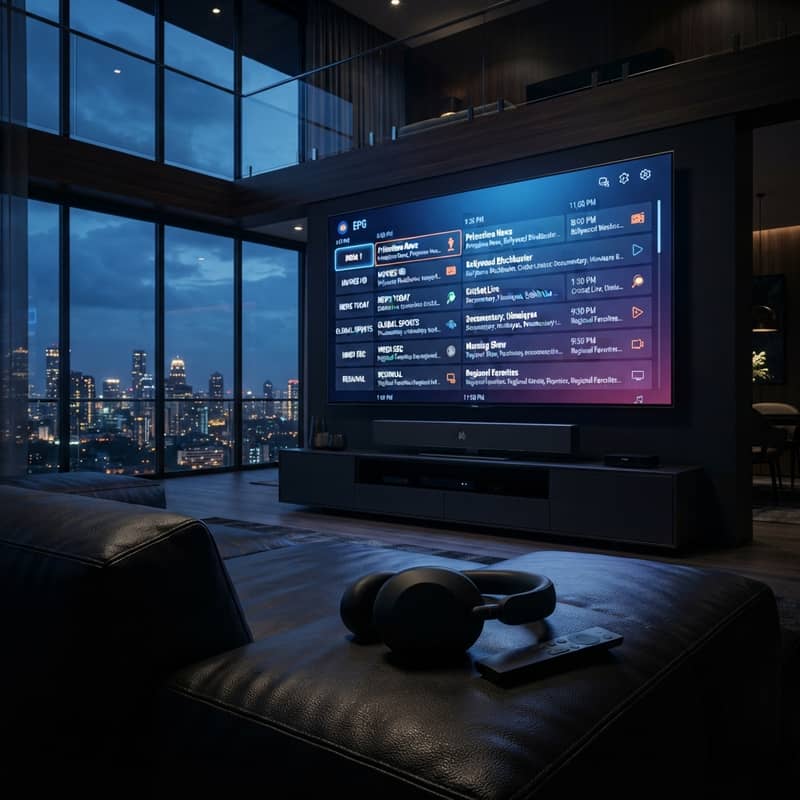
Indian IPTV, when configured correctly, is genuinely one of the most powerful home entertainment upgrades you can make -- delivering more Indian content than any satellite dish or streaming app combination, at a price point that makes traditional cable feel like daylight robbery. Follow the steps in this guide, grab a premium VPN, pick the right app for your viewing style, and make sure your network is up to the task, and you'll have live cricket, non-stop Bollywood, and every regional channel your family could ask for streaming smoothly on every TV in your home -- check out our full channel list and pricing plans to get started today.
Frequently Asked Questions
Ready to get started?
Try our service risk-free with a 24-hour free trial.
Related Articles
Discover the Best IPTV Player for Firestick in 2026
Explore top IPTV players for Firestick and enhance your streaming.
Best IPTV for Sports: Watch Every Live Game in 4K Without Cable (2026)
Complete 2026 guide to choosing the best IPTV service for live sports, optimizing for zero-lag 4K match streaming, and eliminating peak-hour buffering.
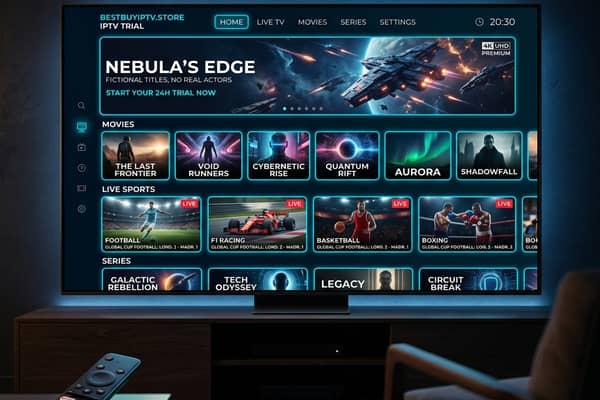
Discover the Best Buy IPTV Trial: Is It Worth Your Time?
Uncover the pros and cons of Best Buy IPTV Trial.