
How to Watch Live Sports Without Cable in 2026: Every Option Ranked

Cable television has one remaining hostage: live sports. You can replace movies with streaming apps. You can replace news with free websites. You can replace sitcom reruns with YouTube. But the moment you try to cancel your cable package, the agent on the phone says six words that stop millions of Americans every single year: 'But what about your sports channels?' And they have a point. In 2026, watching live sports through legitimate cord-cutting options has become more confusing and more expensive than ever. Rights deals are scattered across a dozen different platforms. Regional blackout rules make local games impossible to stream legally. And by the time you stack enough official subscriptions to cover football season, basketball season, and baseball season, you are right back at $130 a month. Many viewers cancel expensive cable packages and still follow every game. Here is every available option ranked from most expensive to cheapest, with honest assessments of what each one actually delivers for sports fans.
The fundamental problem with sports cord-cutting in 2026 is rights fragmentation. No single official platform carries everything. One service has the rights to Sunday afternoon football. A different service has Monday night games. A third platform owns exclusive rights to regional feeds. A fourth handles international tournaments. To get complete coverage through legitimate channels, you need to subscribe to three or four services simultaneously. That stack adds up to $150 or more every month, which is literally more than the cable package you were trying to escape. For a deeper look at the raw cost comparison, read our full best IPTV for sports guide where we break down provider performance during actual live events.
Every Sports Cord-Cutting Option Ranked (Most to Least Expensive)
- Option 1: Stack Official Streaming Bundles ($120 to $160/month): YouTube TV ($73/mo) + a premium sports add-on ($10 to $15/mo) + a separate league-specific streaming pass ($15 to $25/mo) + a dedicated combat sports pay-per-view platform ($10/mo base). Total: roughly $120 to $160 monthly. You get solid HD coverage but still encounter regional blackouts, and 4K is limited to select premium events only.
- Option 2: YouTube TV Standalone ($73/month): The most popular single-platform option. Includes over 100 live channels, unlimited DVR storage, and most major national sports networks. However, it lacks some premium fight night broadcasts, specific regional feeds, and charges extra for 4K Plus add-on at $10/month. Total with 4K: $83/month.
- Option 3: Fubo TV Pro ($80/month): Sports-focused live TV platform with over 180 channels. Strong international football coverage. Includes 4K broadcasts on select events. Missing some major networks that carry prime-time games. Free trial available but expensive long-term.
- Option 4: Sling TV Orange + Blue ($55/month): The budget official option. Includes a mix of sports and entertainment channels. Significantly reduced sports network coverage compared to YouTube TV or Fubo. No local affiliate channels in most markets. Only 1 simultaneous stream on Orange tier.
- Option 5: Free OTA Antenna ($0/month + $25 one-time): A basic indoor digital antenna picks up local broadcast feeds for free in HD. Great for catching local team games on network television. Zero cost beyond the initial $25 antenna purchase. But coverage is extremely limited: no cable-exclusive matchups, no prime-time games on premium networks, no playoffs beyond what networks broadcast locally.
- Option 6: IPTV Service ($10 to $15/month) - The Clear Winner: A single IPTV subscription delivers every single live sporting event across every league, every tournament, and every country in native 4K at 60 FPS. Home feeds. Away feeds. International commentary options. Pre-match studio shows. Post-match analysis. Zero blackouts. Zero geographic restrictions. Complete coverage for under fifteen dollars a month.
Why Official Platforms Still Cannot Match IPTV for Sports
- Problem 1: Regional Blackout Restrictions
- Official platforms are contractually required to black out local market games to protect traditional broadcast deals. If you live in the same metro area as your team, the streaming platform literally blocks you from watching the game you most want to see. IPTV carries multiple parallel broadcast feeds per event from different regions and countries, so there is always an unrestricted feed available.
- Problem 2: 4K Is Still a Premium Add-On
- YouTube TV charges an extra $10/month for their 4K Plus add-on, and even then only select events are broadcast in Ultra HD. Fubo includes some 4K events but not all. IPTV services include full 4K 60 FPS across all major sports channels as part of the base subscription.
- Problem 3: Pay-Per-View Events Cost $50 to $80 Each
- Major championship fights and special events are sold as individual purchases on top of your existing subscription. A single heavyweight title fight costs $80 on official platforms. IPTV includes every pay-per-view event in the base monthly fee. Over the course of a year with 8 to 10 major events, that saves you $500 to $700. Read our detailed pay-per-view streaming playbook for full setup instructions.
- Problem 4: No International Coverage
- Official US platforms carry US leagues. If you also follow international football, rugby, cricket, or motorsport with English or foreign-language commentary, you need additional international streaming passes. IPTV covers every country and every league in one place.
Consider a fan who spends an entire football season building the 'perfect legal cord-cutting stack': YouTube TV for national games, the 4K Plus upgrade, a separate international streaming pass for midweek tournaments, and three individual pay-per-view events. Added up, that can reach $1,340 for one season — more than a year of the old cable package. Meanwhile, an IPTV subscription of around $12 a month can include the same games, many more international matches, and pay-per-view events. That is about $144 a year.
Setting Up Your Ultimate Sports Streaming Station
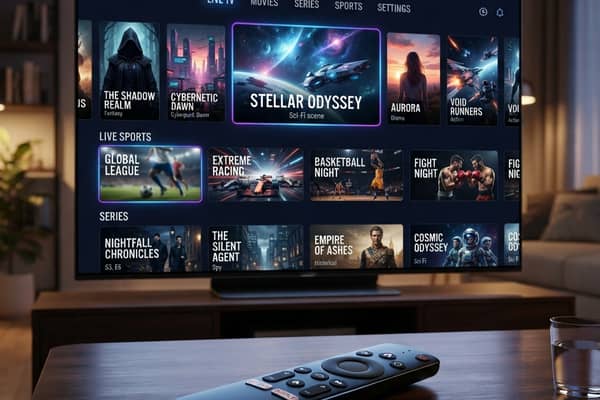
Building the perfect sports viewing setup at home takes less than ten minutes and costs under $70 total. Grab an Amazon Firestick 4K Max for $55. Plug it into your television. Install TiviMate using the Downloader app. Connect to your IPTV provider using Xtream Codes API. Navigate to your Sports category folder and add your top 15 sports channels to a dedicated Favorites group. For the absolute best match-day experience, connect a $15 USB Ethernet adapter to your Firestick for zero-jitter wired connectivity, and install a fast VPN to prevent any ISP throttling during peak weekend hours.
Multi-Screen Sports: Watch Multiple Games at Once
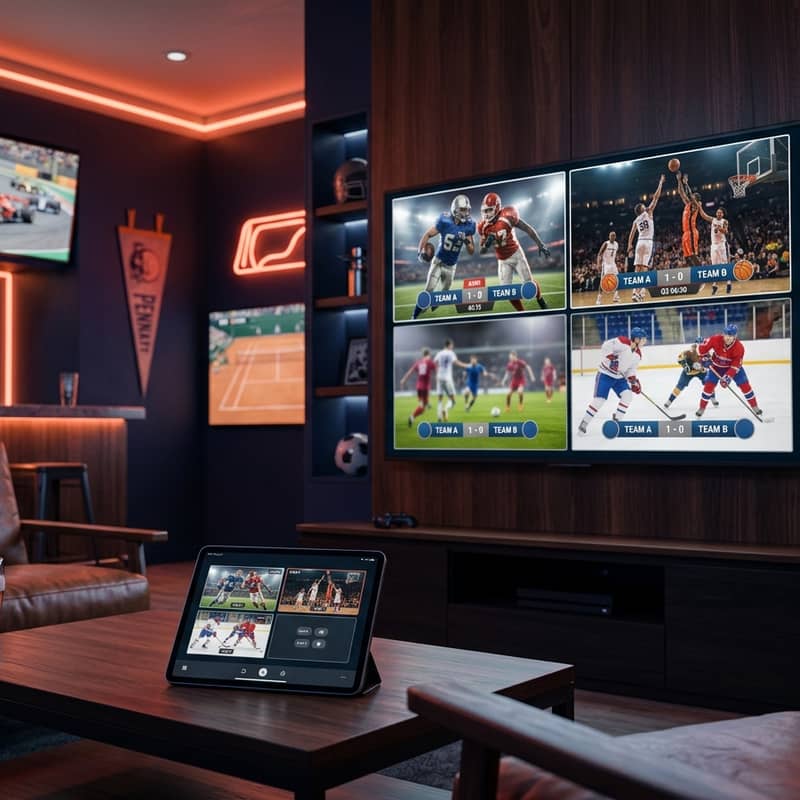
One of the most powerful advantages of watching sports through IPTV is multi-screen viewing. During a busy Saturday afternoon when three or four games are happening simultaneously, dedicated IPTV boxes like the BuzzTV XRS 4900 and apps like OTT Navigator support picture-in-picture and mosaic multi-view layouts. You can watch four live games on a single television screen, each in its own quadrant with independent audio selection. Traditional cable charges a premium for multi-room viewing. Most IPTV providers offer 2-connection plans for a few dollars extra, letting you stream one match on the living room television and a different match on a bedroom Firestick at the same time.

Cutting cable does not mean cutting sports. It means cutting the absurd monthly bills that cable companies have been charging for decades. In 2026, a single affordable IPTV subscription gives you more live sports coverage than the most expensive satellite package ever could. Every league. Every tournament. Every fight night. Every international match. All in native 4K at 60 frames per second on your television for less than the price of a single stadium hot dog every month. Stop overpaying. Build your sports streaming station today, pick the plan that fits your household, and start your risk-free 24-hour trial on the next game day to see the difference for yourself.
Frequently Asked Questions
Ready to get started?
Try our service risk-free with a 24-hour free trial.
Related Articles
PPV Streaming Guide How to Watch Pay Per View Events in 2026
Pay-per-view events are the most expensive single purchases in all of entertainment. A single championship fight card can cost $80 and if your stream buffers during the main event that money is gone with no refund. This guide compares every way to watch PPV in 2026 including official purchases, free PPV streams, and IPTV subscriptions. Real data from 10 major event nights shows which option actually delivers a complete viewing experience.
FAST Channels Free Streaming and What They Mean for Cord Cutters in 2026
A comprehensive explanation of FAST (Free Ad-Supported Streaming Television) channels and their rapid growth across the cord-cutting landscape. Covers how the FAST model works, what content is available, and how these free linear channels compare with paid subscriptions and enterprise IPTV.
Best IPTV for Sports: Watch Every Live Game in 4K Without Cable (2026)
Complete 2026 guide to choosing the best IPTV service for live sports, optimizing for zero-lag 4K match streaming, and eliminating peak-hour buffering.